
9 What to Keep on a TV Stand and What to Remove

On this page11 sections
A TV stand collects things. Remotes, chargers, a game controller, a candle someone gave you, a photo frame, a stack of mail that was only meant to sit there for a minute. Over a few months the top fills up, and the TV, which was supposed to be the quiet part of the room, ends up surrounded by noise.
Styling a TV stand is mostly about subtraction. Decide what earns its place and remove the rest. The nine rules below go through what to keep, what to move, and how to arrange what is left so the stand looks calm both with the screen on and with it off. If you are still choosing the piece itself, the living room edits you already own post is a good starting point.
As an Amazon Associate I earn from qualifying purchases.
1. Clear everything off first
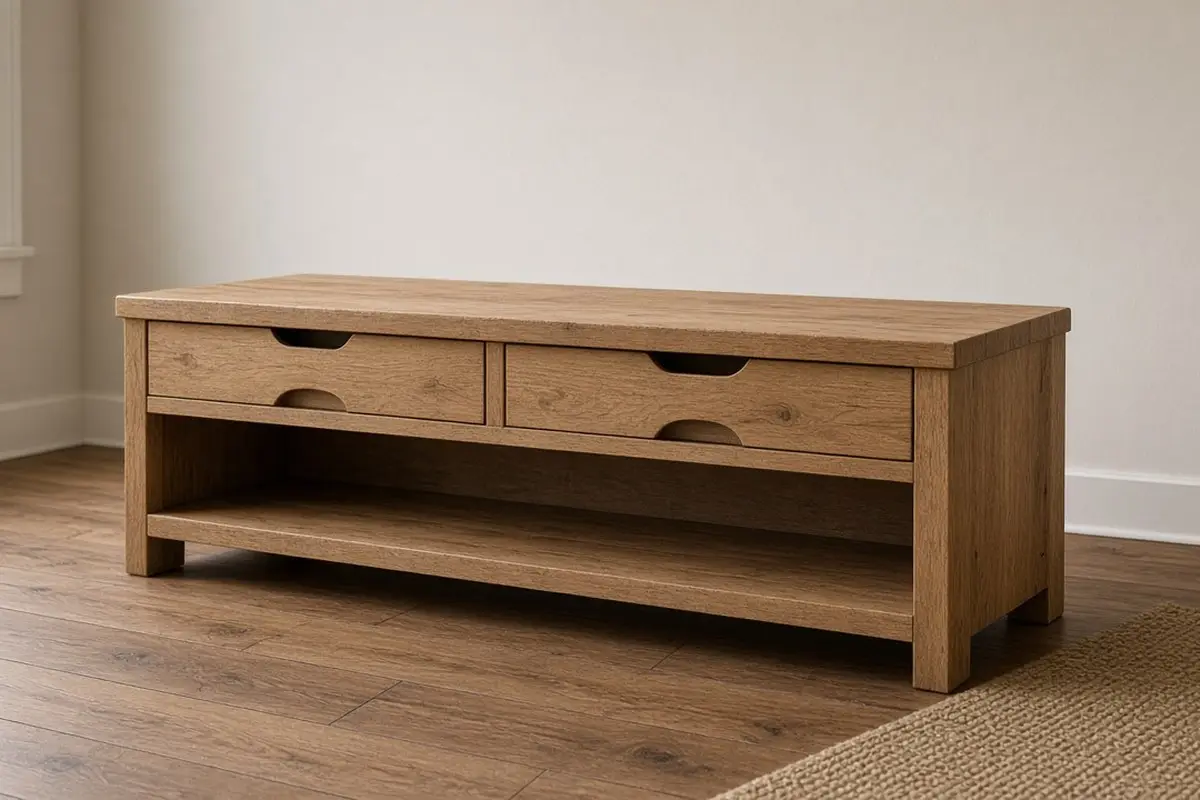
Start with an empty top. Take every object off the stand, including the things you think you will put back. Wipe it down. Look at the bare stand with the TV off for a minute. This is the baseline. Every object you add from here has to make the stand look better than it does bare.
This step feels drastic, and it is the one that works. When you put things back one at a time, you notice which ones you miss and which ones you only kept out of habit. Most people end up returning less than half of what was there. The things that do not go back can find a drawer, a different room, or the donation box.
Do the same with the shelves below. Pull out every box, disc, and cable. You might find two streaming devices where you only use one, or a spaghetti of cords for gadgets you no longer own.

2. Keep one lamp
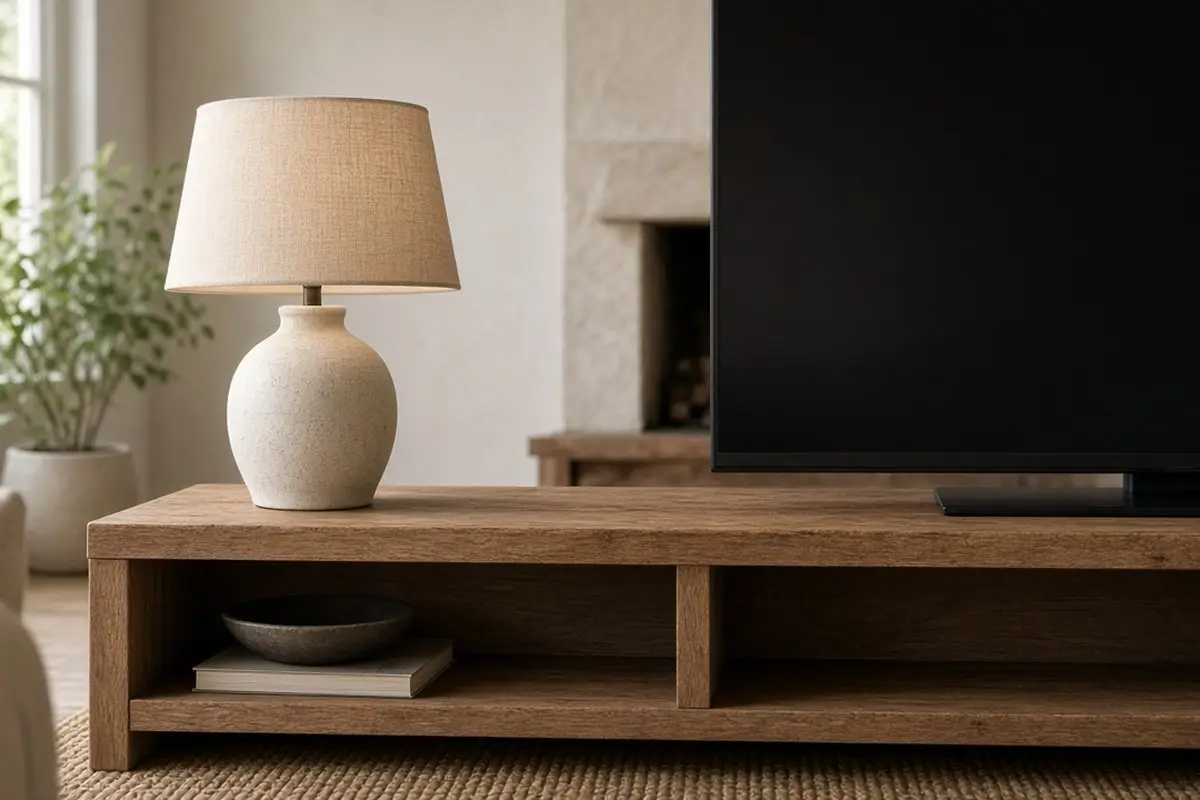
A lamp is the most useful decor on a TV stand. It lights the room when you watch at night, which cuts eye strain from a bright screen in a dark room. It also balances the TV visually, giving the stand a tall shape at one end.
Put the lamp at the end farthest from the window, so light is spread through the room. Choose a shade that is fabric or paper, and a warm bulb. A lamp with a small footprint keeps the top uncluttered.
Scale matters. A lamp that is too small looks like a toy next to a large screen. As a rough guide, the top of the shade should reach about a third of the way up the TV. On a 55 inch screen that usually means a lamp around 20 to 24 inches tall. If the stand is narrow, a slim wall sconce beside the TV does the same job without taking any surface at all.

3. Keep a short stack of books
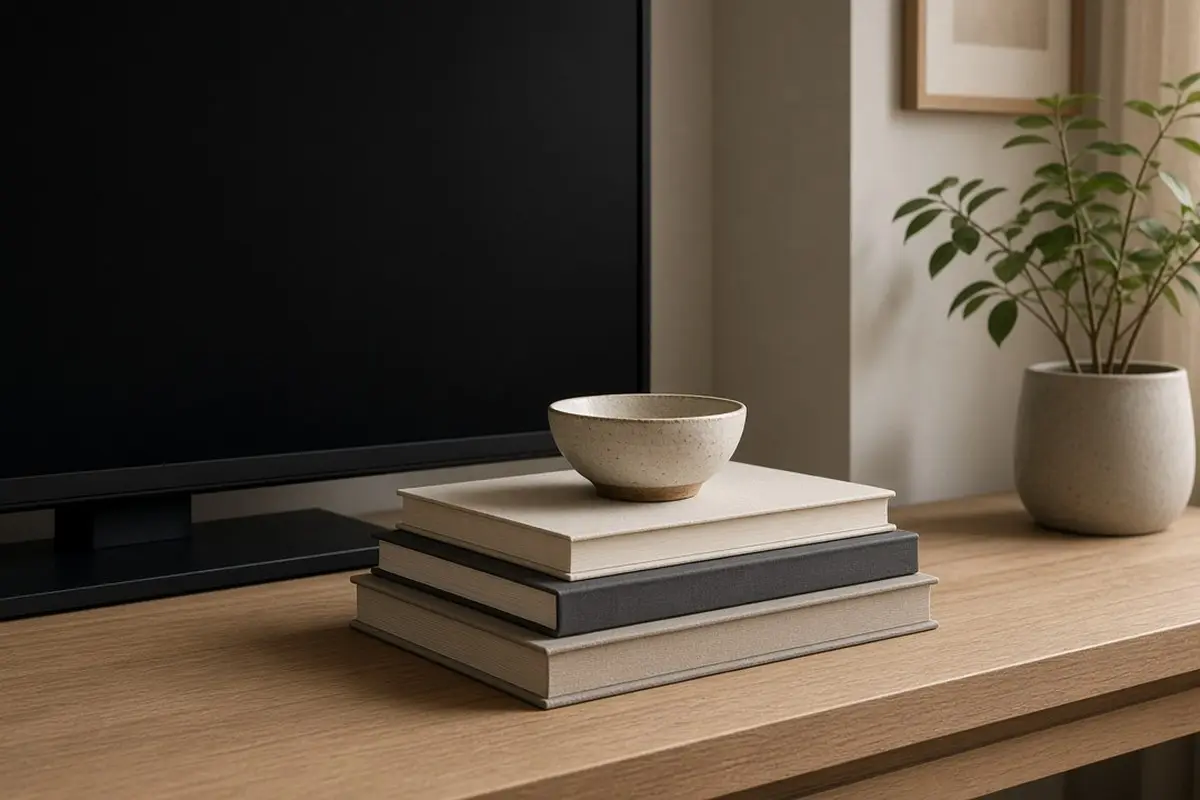
Books add color and height without looking like knick-knacks. Lay three or four flat at the opposite end from the lamp, and put a small object on top: a stone, a little bowl, a candle. The stack gives you a low counterweight to the lamp.
Choose books you actually like, not ones bought for their spines. A stack that changes as you read looks more alive than a fixed arrangement.
Keep the stack low, under six inches, so it never rises into the bottom of the screen. If you do not have books you want on show, a small wooden box or a pair of coasters stacked with a candle on top gives the same low, solid shape.
4. Keep one living thing
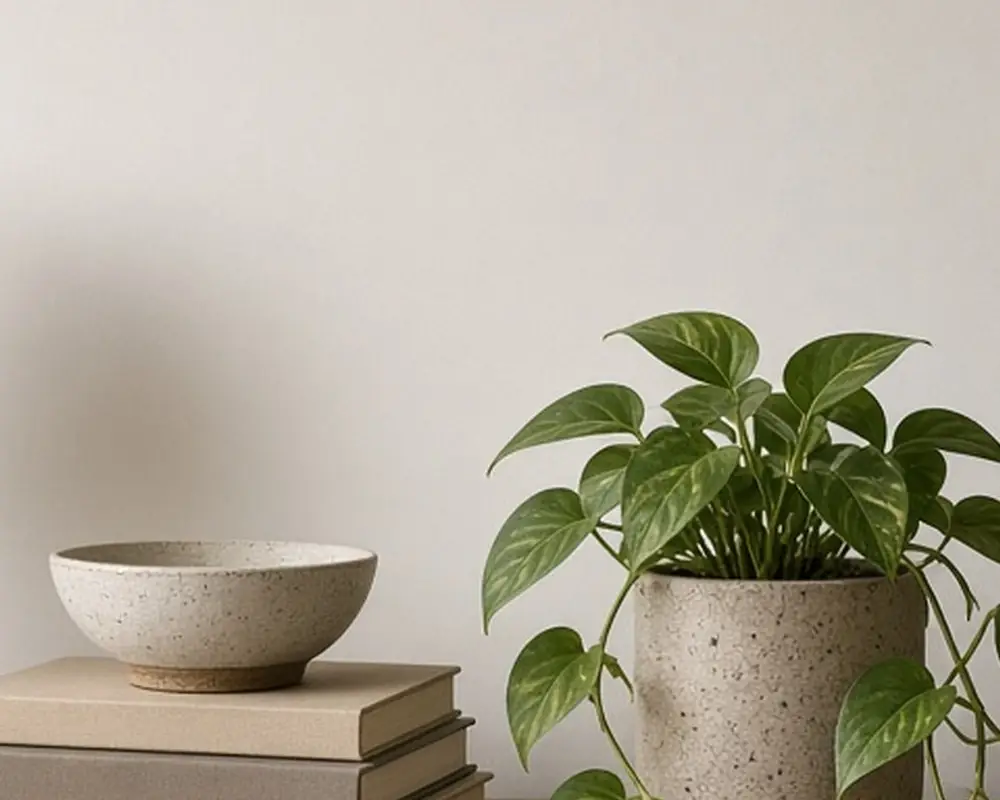
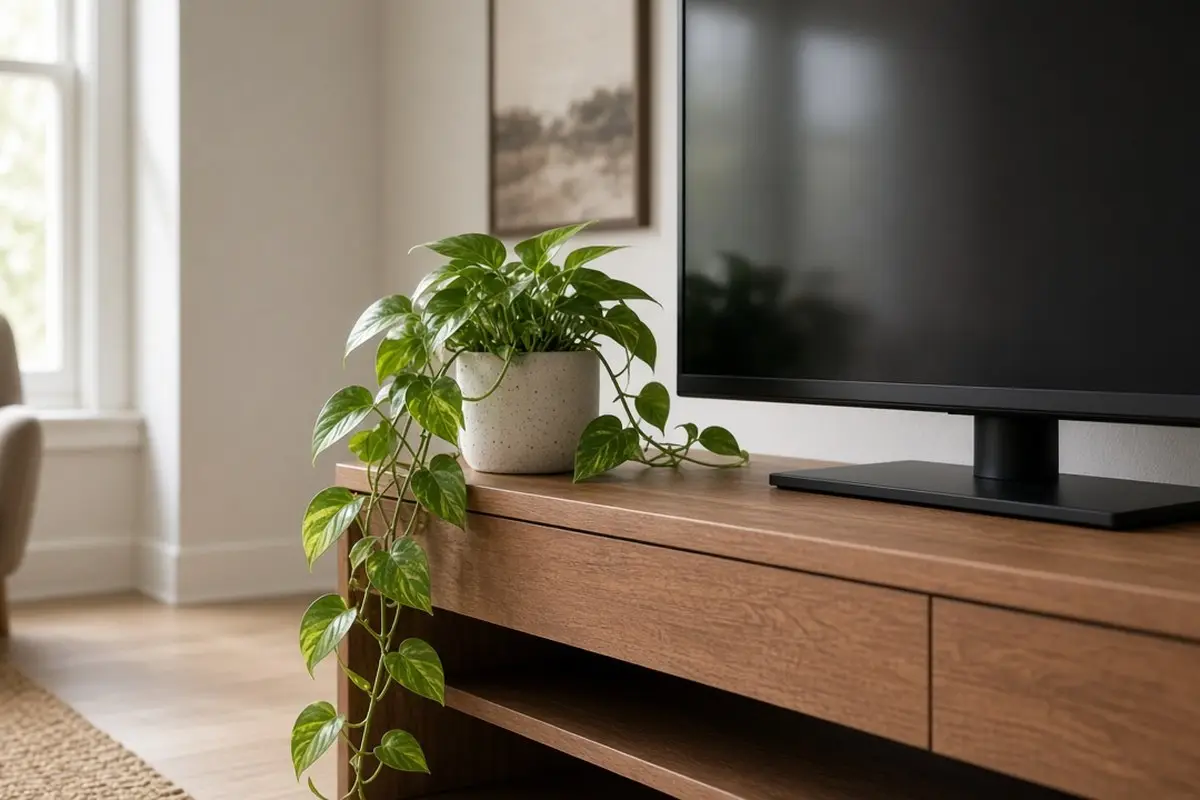
A plant softens the hard, dark rectangle of the screen. A trailing pothos that spills over the edge of the stand, or a small upright plant in a ceramic pot, adds something that moves and grows. It makes the TV area feel part of the room.
Put the plant where it gets some light. Next to the TV is often dim, so choose low-light plants or rotate a plant from the windowsill every few weeks.
Water carefully. A plant on a TV stand sits above electronics, so use a pot with a saucer, or keep it in a nursery pot inside a sealed cover pot. Water it at the sink, let it drain, and put it back. That small habit keeps spills away from cables and the wood surface.
5. Remove the remotes, or give them a home
Remotes left loose on a TV stand look like clutter, even if there are only two. Either move them to the coffee table or side table, where you actually reach for them, or give them a box or tray on the stand. A small lidded box keeps them together and out of sight.
If you have more than three remotes, consider a universal remote. It is one fewer object on every surface.
Get the look
6. Remove the photo frames
Family photos are lovely, but propped at the base of the TV they compete with the screen and get lost in its glare. Move them to a bookshelf, a hallway, or a wall where you can see them properly. The stand looks calmer, and the photos get the attention they deserve.
If you want one personal item near the TV, choose something three-dimensional, such as a small sculpture or a handmade bowl, rather than a flat frame.
The same goes for souvenirs and small gifts. A shelf of mixed keepsakes around the TV reads as clutter even when each piece means something. Give them a dedicated place elsewhere, such as a single shelf in the hallway, and rotate a few through the living room when you feel like it.
7. Hide the living room electronics
Game consoles, routers, and streaming boxes look tidy only when they are hidden. Put them behind doors, inside baskets on open shelves, or in a closed drawer with a cord hole cut in the back. If a device needs air or a signal, choose a basket with an open weave or a cane-front door.
Label the cords at both ends with small tags. When something stops working, you will know which plug to pull without crawling behind the stand.
8. Style tv stand shelves in groups
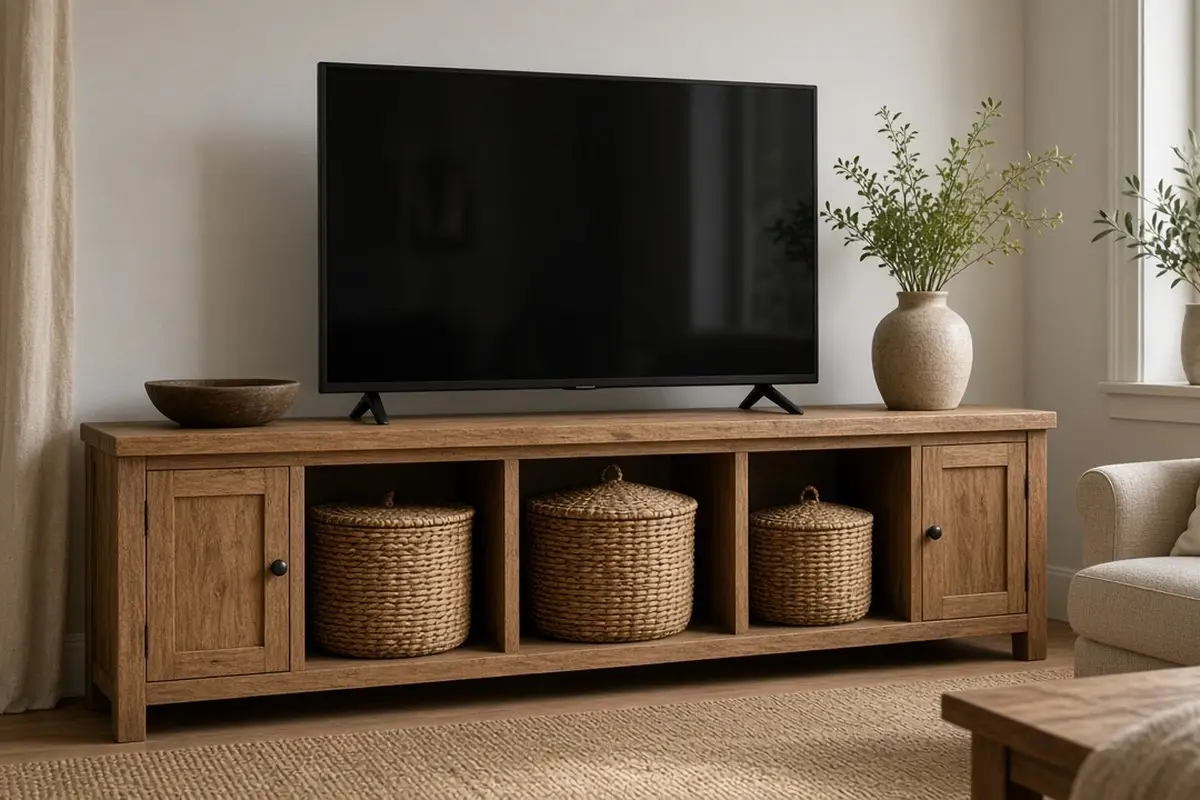
Open tv stand shelves can hold baskets, books, and one or two objects. Group things rather than spacing them evenly. One shelf might hold two baskets and a stack of books. The next a single vase. Groups look styled. Evenly spaced objects look like a shop shelf.
Leave at least one section mostly empty. Empty space is what makes the rest look chosen.
Use matching baskets on one shelf if the stand has several open cubbies. Repeating the same basket two or three times calms a busy stand, and you can put the least attractive things, such as spare cables and batteries, inside them. Label the inside of the lid rather than the front so the shelf stays clean to look at.
9. Remove anything in front of the screen
The last rule is simple. Nothing should sit directly in front of the TV. Not a candle, not a speaker, not a plant leaf. Even small objects in front of the screen catch the eye while you are watching and look awkward when the screen is off. Keep the center clear, and let the lamp and books frame it from the sides.
A soundbar is the one exception. Mount it on the wall below the screen, or set it low on the stand so it does not block the picture or the remote sensor.
Once the stand is set, take a photo of it with your phone. A photo shows clutter that your eye has learned to ignore. Look at it again in a month. If new objects have crept onto the top, the photo tells you exactly what to take away, and the reset takes two minutes instead of an afternoon.

Tips Before You Start
- Empty the stand completely before putting anything back.
- Keep a lamp, a short stack of books, and one plant.
- Give remotes a box or move them to the coffee table.
- Move photos to a wall or shelf.
- Hide electronics in baskets or behind doors.
- Keep the center in front of the screen clear.
FAQ
What should go on either side of a TV stand?
A lamp on one side and a stack of books or a plant on the other. That balance looks finished.
How do I hide a router on a TV stand?
Put it in an open-weave basket or behind a cane door so the signal still passes.
Should a TV stand have decor at all?
A little. Three objects plus the TV is a good maximum. For more ideas on what to keep and remove, see the calm living room weekend refresh.
What do I do with all the cords?
Use cord covers, labels, and a power strip inside the stand. The quiet apartment details post has a few more tidy fixes.
How often should I reset the TV stand?
Once a month is enough for most homes. Put everything that has crept onto the top back where it belongs, wipe the dust off the screen and the surface, and check that the plant still has enough light. Ten minutes once a month keeps it calm all year, with very little effort.
A well-styled TV stand is mostly empty. Keep the lamp, the books, and one living thing. Hide the rest, and the screen will become just another quiet object in a calm room.